Disable Everything - WordPress Plugin to Disable Right Click, Copying, Keyboard

This WordPress Plugin allows you to disable Text and Images Copying, Right Click and Keyboard Keys on your WordPress sites. You can disable some of these features or all of them at once. This plugin is particularly useful if you want to protect your images from being downloaded and your text from being copied.
 codecanyon" class="w-full h-full object-cover">
Keyword cloud
Previous Post
Speedy Push - Wordpress Notification Plugin
Next Post
WooCommerce Pincode / Zipcode Checker
You might like
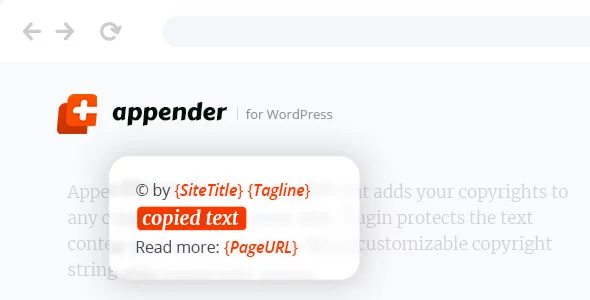
Appender - Copycat Content Protection for WordPress
18/04/2026
Plugins

TNC FlipBook - PDF Viewer for WordPress
11/04/2026
Plugins

Divi Protect
01/04/2026
Plugins

One Accessibility Pro
17/07/2026
Plugins

Defender Pro - WordPress Security Protection
10/07/2026
Plugins

Tasty Pins - Optimize for Pinterest, SEO and Screenreaders
03/04/2026
Plugins