
DNS or domain name system is the internet protocol that turns human readable website names (such as sordum.org) into machine readable numeric addresses. In some cases, you can improve browsing speed and / or improve your security by replacing the DNS provided by your internet service provider. DNS Jumper is a tool which makes this easy for you.
Why you should use DNS Jumper:
- It can aid in accessing blocked websites
- It can improve security by changing to more secure DNS servers
- It can help keep your children safe by blocking inappropriate websites (e.g. adult material) by selecting a Family Safe DNS server.
- It can speed browsing by moving to a faster DNS server
- Changing DNS servers manually can be done, but DNS Jumper greatly simplifies the process
DNS Jumper has some new and important features, such as Turbo Resolve which can apply the fastest DNS at startup. DNS Jumper is freeware and portable (no installation needed).
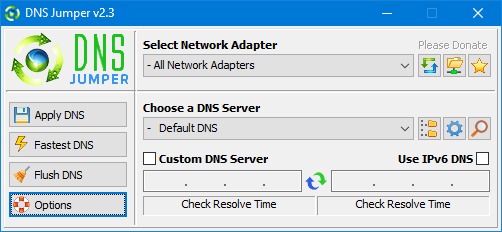
What is new: (Tuesday, 17. March 2020)
- [FIXED] – Error when Resolve time is less than one millisecond
- [FIXED] – Minor BUGS
- [ADDED] – Quick Configuration menu and Hot keys (On DnsJumper tray icon)
- [ADDED] – Option to stop Auto sort on Fastest DNS window (in DnsJumper.ini file AutoSortDnsList=True/False)
How to Change Your DNS Settings
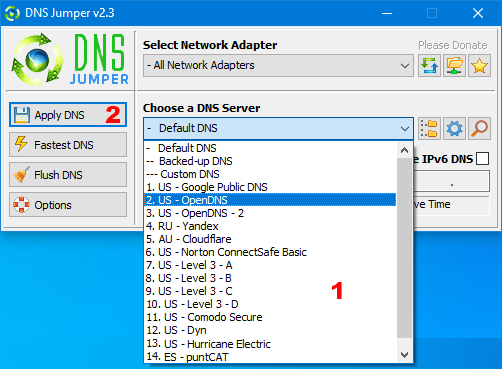
- Under "Choose a DNS Server", click the drop-down menu and select a server from the list
- Click the “Apply DNS” button
(for IPv6, be sure to tick the IPv6 checkbox)
How to Restore Your DNS settings or use your ISP’s default DNS Again:
There are two ways to do this:
- Click the "Quick Configuration" button (the star icon) and select from the list
- Under "Choose a DNS Server", open the drop-down menu and select "Default (or Restore) DNS" from the list, then click "Apply DNS".
(for IPv6, be sure to tick the IPv6 checkbox)

 bosa2020" class="w-full h-full object-cover">
Keyword cloud
You might like
Simple Firefox Backup
19/02/2020
Software
Windows 11 Manager Portable
19/04/2024
Software
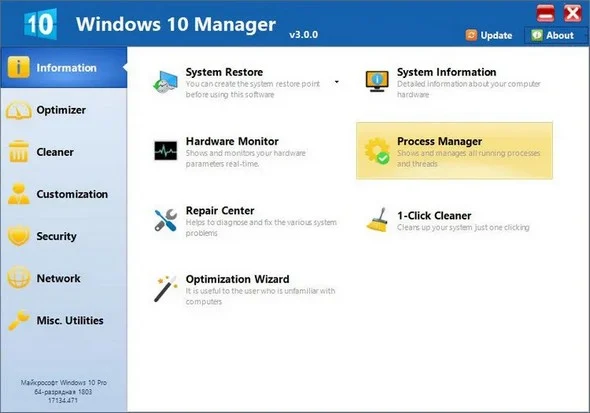
Windows 10 Manager Portable
23/04/2024
Software
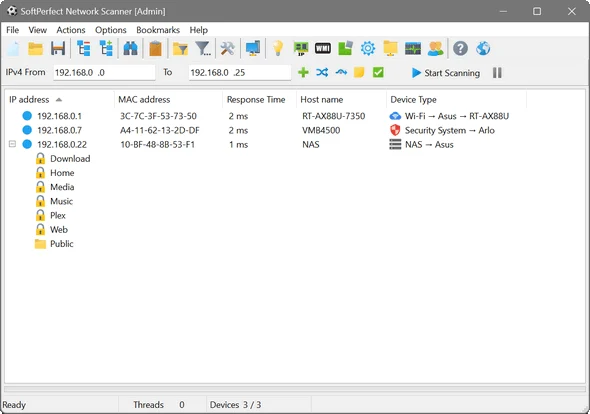
SoftPerfect Network Scanner Portable - Fast IPv4/IPv6 Scanning
28/05/2026
Software
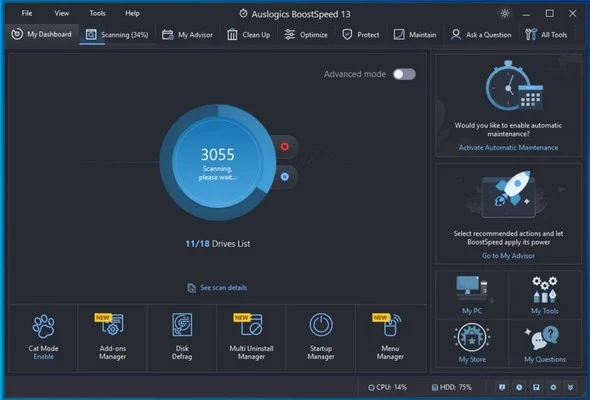
Auslogics BoostSpeed Portable
28/05/2026
Software

IObit Uninstaller Pro Portable - Remove Programs and Leftovers
28/05/2026
Software