Bookly Locations (Add-on) v6.7
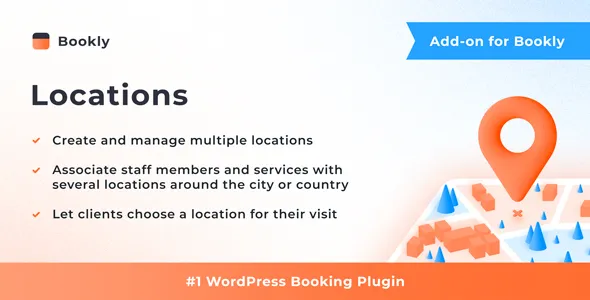
Does your company operate in more than one place? Bookly Locations (Add-on) makes it possible to associate staff members and services with different locations, so your clients can pick where they prefer to receive services before they schedule a date and time for their visit.
Features
- Create and manage multiple locations of your business
- Tie staff members to one or several locations
- Use custom settings in different locations: set specific service price and staff schedule
- Filter appointments by location in Bookly Calendar and Appointments list
- Use relevant placeholders in the email and SMS templates to notify staff members and clients about appointment location
The minimum length of a comment is 10 characters.
Related Posts
Bookly Service Schedule (Add-on) v3.6
With the Bookly Service Schedule (Add-on), you can easily limit the availability of your services to specific hours or days.
Bookly Compound Services (Add-on) v3.4
Bookly Compound Services Add-on will let you bundle existing services into one complex service that clients will be able to book as any ordinary single appointment.
Bookly Collaborative Services (Add-on) v4.0
With the Bookly Collaborative Services (Add-on), you can create and sell complex services that involve multiple employees and resources, while your clients easily book a single service they need.
Bookly Special Days (Add-on) v5.3
Set a special schedule, including breaks, different from default working hours for individual staff members. Special day settings will override all regular schedule and even days off created for
Bookly Cart (Add-on) v3.4
With the Bookly Cart (Add-on), you can prompt your clients to book more appointments on your website. This feature enables clients to add multiple services to their cart and book them all in a
Bookly Staff Cabinet (Add-on) v6.2
There is no more need for staff members to go to WordPress admin panel to manage their calendars, details, etc.