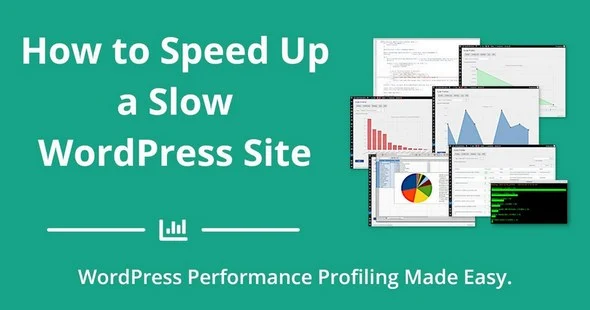
SO YOU HAVE A SLOW WORDPRESS SITE?
A poorly coded plugin, a slow SQL query hidden among hundreds of lines of PHP code or a resource-intensive callback function inside your child theme are some of the most common reasons your Wordpress site is slow to load. Like many bloggers, you may be tempted to install a caching plugin or subscribe to a CDN service. But at the end of the day, you still have that problem and you're trying to hide it rather than to solve it.
Fortunately, our Code Profiler plugin is a game-changer for all WordPress users. It brings the power of code profiling applications to the WordPress admin dashboard and makes performance debugging super easy, even on shared web hosting plans: install, activate it and you can start profiling your website like a pro right away.
DEBUG YOUR BLOG LIKE A PRO
Website owners & agencies:
- Identify and remove slow plugins or themes.
- Compare similar plugins and use only the fastest ones.
- Speed up your website and improve your SEO.
- Compare web hosting plans and use the best one for your online business.
Plugin and theme developers:
- Detect performance issues and bottlenecks inside your code.
- Find and fix slow classes, methods and functions, excessive file I/O operations, slow queries etc.
- Profile from WP-CLI.
This post was updated at 25/08/2026
 bosa2020" class="w-full h-full object-cover">
Keyword cloud
You might like
Perfmatters - Web Performance Plugin for WordPress

Scalability Pro - WordPress Plugin

Automatic Cache Warmer - Speed Up your WordPress

Disable Bloat for WordPress & WooCommerce Pro

Freesoul Deactivate Plugins Pro