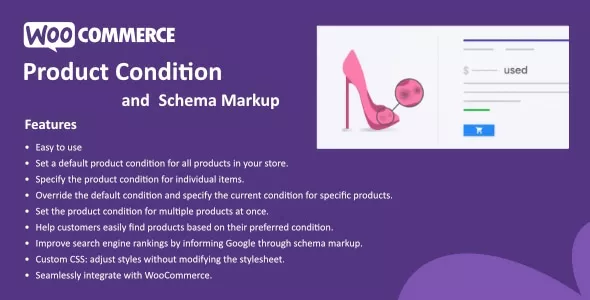
The Product Condition for WooCommerce feature allows you to assign a condition (such as new, used, like new, etc.) to all the products on your site. With this feature, you can set a single default product condition that applies to all products. Additionally, you can specify a unique condition for each individual product, which will override the default setting.
For example, if most of your products are in "new" condition, you would set the default product condition to "new." However, there may be instances when you have a few products that are in "used" or another condition. In such cases, you can designate the "used" condition for those specific products.
 codecanyon" class="w-full h-full object-cover">
Keyword cloud
You might like

Product Slider for WooCommerce
03/04/2026
Plugins

Amazon Affiliate WordPress Plugin (AAWP)
10/07/2026
Plugins

WooCommerce Dynamic Pricing & Discounts
21/02/2026
Plugins

ShopEngine Pro
11/06/2026
Plugins
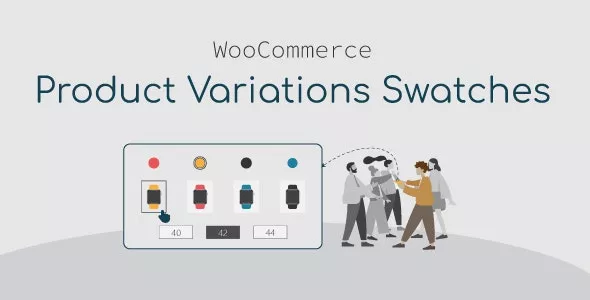
WooCommerce Product Variations Swatches
20/06/2026
Plugins

Checkout Countdown - Sales Countdown Timer for WooCommerce and WordPress
09/03/2026
Plugins