Checkout Countdown - Sales Countdown Timer for WooCommerce and WordPress v1.1.9
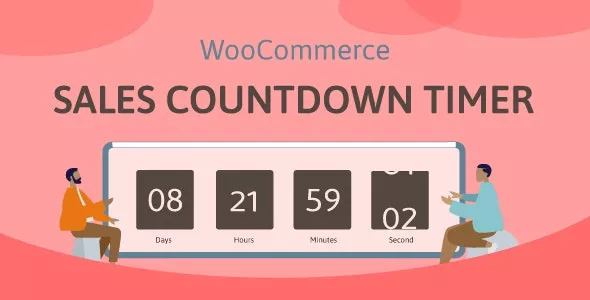
Sales Countdown Timer is a plugin that allows shop owners to boost the Sales in the Sale Campaigns. The plugin can display Sales Countdown Timer any pages by shortcodes. It is a must-have plugin for encouraging customers to purchase by creating urgency psychology.
WooCommerce Sales Countdown Timer:
The plugin displays sales countdown timers in single product pages and the shop page of WooCommerce. The clocks will notify customers when the sales end or how many sale product quantities left. In WooCommerce single product, you can select Sales Countdown Timer settings and schedule sale campaigns.
- Select Sales Countdown Timer profile in WooCommerce single product page.
- Display countdown clock base on WooCommerce sale scheduled time.
- Select specific sale time. WooCommerce allows you to schedule sale time by date. With Sale Countdown Timer you are able to select specific sale time by hours and minutes.
- Position in single product pages: select where the countdown clock will be displayed in single product pages. There are many options for you to select: before product price, after product price, before the sale flash badges, after the sale flash badges, before “Add to cart” button, after “Add to cart” button, in the product picture.
- Position in archive pages: select where will the countdown click appears in archive pages like shop page, categories pages. There are many options for you to select: before product price, after product price, before sale flash badges, after the sale flash badges, before “add to cart” button, after “add to cart” button, in the product picture.
- Display in shop page, categories page, related products: you have options to choose display or hide the countdown clock on these pages.
- Upcoming sale message: When you schedule a sale campaign in the future, you can choose to display an upcoming sale message on the single product page. The messages can be customized with a shortcode display of how many time left until the sale time.
- Sale ends message: display when will the sale finish message with the shortcode {countdown_timer}.
- Shortcode: the shortcode {countdown_timer} will display the countdown clock.
Download denied
Please login to access this content.
This post was updated at 09/03/2026
 codecanyon" class="w-full h-full object-cover">
Keyword cloud
You might like
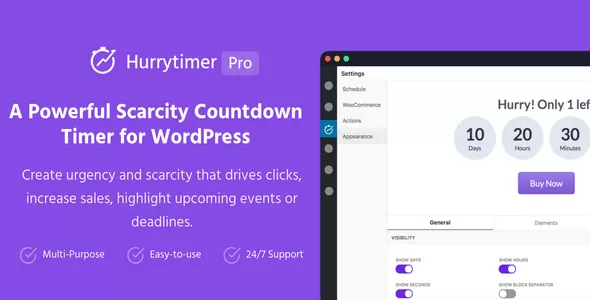
HurryTimer Pro
10/07/2026
Plugins

WooCommerce Notification - Boost Your Sales
24/06/2026
Plugins

ShopEngine Pro
11/06/2026
Plugins
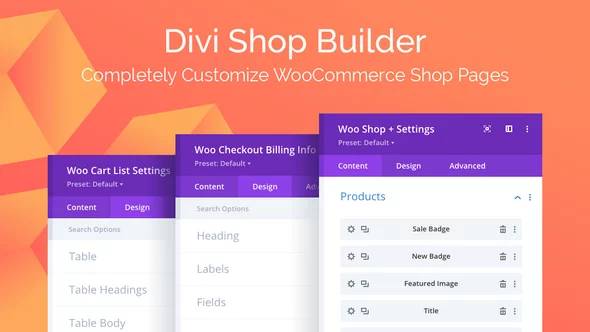
Divi Shop Builder for WooCommerce
17/03/2026
Plugins

WooCommerce Boost Sales - Upsells & Cross Sells Popups & Discount
23/05/2026
Plugins

WPLoyalty - WooCommerce Points and Rewards Plugin
30/05/2026
Plugins