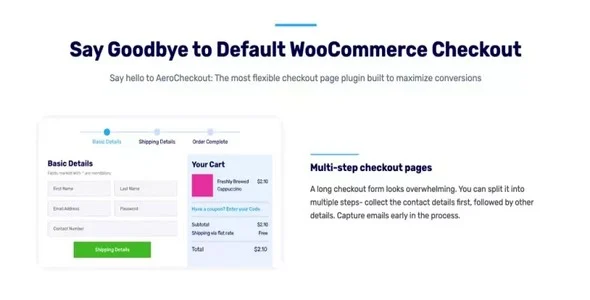
Edit, add new or hide unnecessary fields from the checkout form. Flexible Checkout Fields PRO iss all about conversions and better user experience.
Best Looking Checkout Fields
Flexible Checkout Fields integrates nicely with your WordPress dashboard.
Field order
Just drag to change the field order. You can change the order of the built-in WooCommerce fields as well as custom fields that you add yourself.
Labels and Placeholders
Want to change your company name to just “Company” or “Your Great Company”? Just edit the label and it will immediately appear at the checkout.
Show or hide fields
Don't need a customer's phone number or second line address? Just hide the fields at the checkout and you're done.
Required or optional fields
Easily control which fields are required and which are optional. Just check the box you want in the field settings and make the field required or optional.
Custom CSS Class
Add style to your fields. By adding a custom class to each field, you can style it uniquely in your theme's stylesheet.
Download denied
Please login to access this content.
This post was updated at 11/08/2026
 bosa2020" class="w-full h-full object-cover">
Keyword cloud
You might like
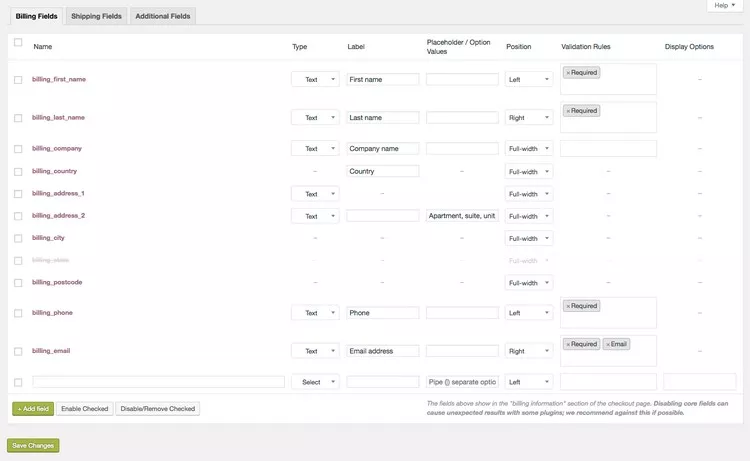
WooCommerce Checkout Field Editor

Checkout Field Editor and Manager for WooCommerce Pro
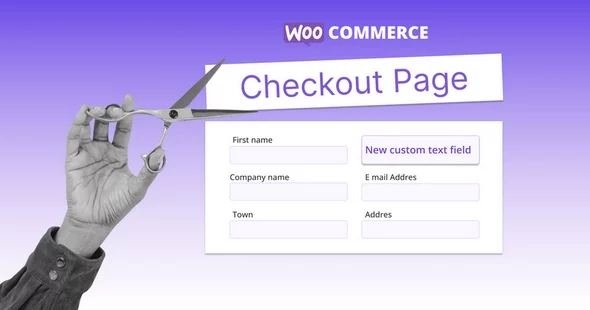
Checkout Field Editor for WooCommerce

SysBasics Easy Checkout Field Editor, Fees & Discounts

YITH WooCommerce Checkout Manager