Bookly Coupons (Add-on) v5.3
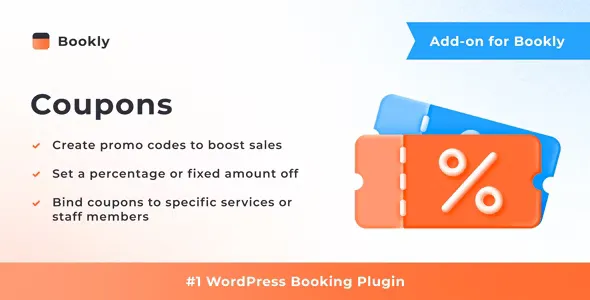
With the Bookly Coupons (Add-on), you can create and manage promotional codes that customers can apply during checkout in the Bookly booking form. Once a coupon is used, the service price will automatically be reduced, and you’ll receive a record of the discount in the Bookly payment reports.
Features
- Auto-generate promo codes in the Bookly admin panel
- Bind coupons to particular services, providers, or customers
- Set a coupon expiration date and usage limit
- Determine a percent or a fixed amount off
- Include a coupon code that has been used during the booking in the email or SMS notification
The minimum length of a comment is 10 characters.
Related Posts
Bookly Custom Fields (Add-on) v5.2
With the Bookly Custom Fields (Add-on), you can add extra fields of different types to the Details step of the Bookly booking form.
Bookly Stripe (Add-on) v4.9
Bookly Stripe (Add-on) enables your customers to easily and securely pay for their appointments without being redirected away from the Bookly booking form.
Bookly Locations (Add-on) v6.5
Bookly Locations (Add-on) makes it possible to associate staff members and services with different locations, so your clients can pick where they prefer to receive services before they schedule a
Bookly Packages (Add-on) v7.6
With the Bookly Packages (Add-on), you can create deals for a particular service, allowing clients to book their favorite treatment in one package.
Bookly Customer Groups (Add-on) v4.2
The Bookly Customer Groups (Add-on) allows you to easily create and manage customer groups in Bookly, giving you the ability to set specific rules for each group.
Bookly Group Booking (Add-on) v3.3
Should your appointments be for groups of people, the client can specify the amount of persons they’d like to book for. The group booking will be displayed in admin area as one appointment.