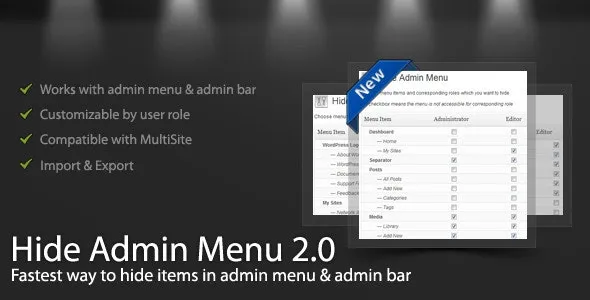
WordPress Hide Admin Menu plugin helps you hide the admin menu and admin bar items in the WordPress admin area based on user role. Select the checkboxes corresponding to menu items and user roles and save. You’ll have a simplified menu for your clients, and users. That will help you hide essential menu items that you don’t want them to access, like the settings page, account detail page, etc.
This plugin has a friendly interface and is very easy to use. Everything is simple, and you can understand all the functionality within 5 minutes!
The Hide Admin Menu plugin works well with custom user roles and menu items added by other plugins and is compatible with WordPress Multisite.
Download denied
Please login to access this content.
 codecanyon" class="w-full h-full object-cover">
Keyword cloud
You might like
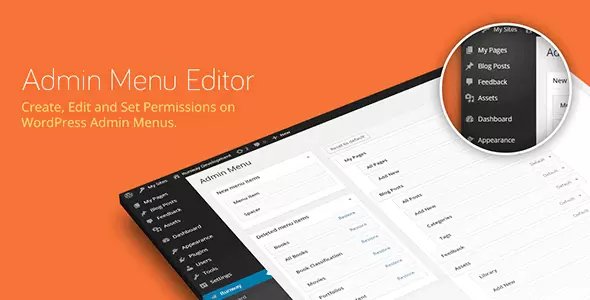
Admin Menu Editor Pro
23/05/2026
Plugins
Custom Post Type UI Extended
06/02/2026
Plugins

SureMembers - The Best Membership Plugin for WordPress
23/06/2026
Plugins

WP Adminify Pro - Powerhouse Toolkit for WordPress Dashboard
27/07/2026
Plugins
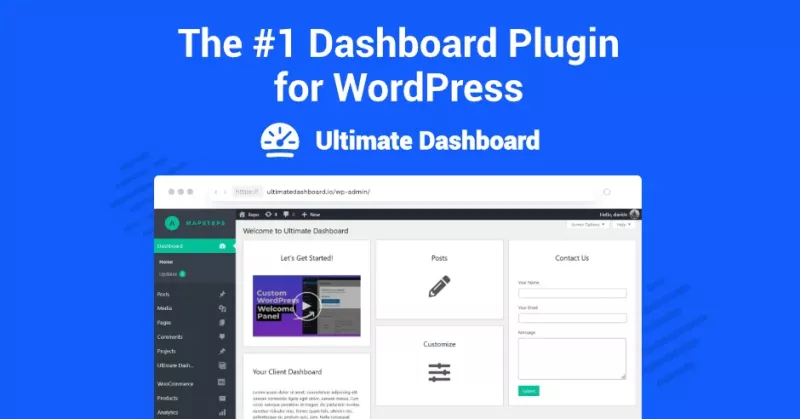
Ultimate Dashboard Pro - Customize and Simplify Admin WordPress Dashboard
09/04/2026
Plugins

Barn2 Media Password Protected Categories
18/07/2026
Plugins