
Customer Information add-on allows you to create multiple types of custom fields and get more info related to your clients. These fields will appear at the Details step in a booking form, and custom information will be added to the customer profile.
Features
- Various question types (text fields, drop-down lists, multiple choices, etc.);
- Make custom fields required or optional;
- Create as many questions as you need.
This post was updated at 13/07/2026
 codecanyon" class="w-full h-full object-cover">
Keyword cloud
You might like
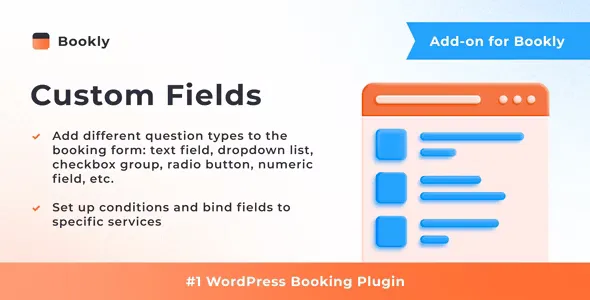
Bookly Custom Fields (Add-on)
13/07/2026
Plugins
Iconic WooCommerce Custom Fields for Variations
16/01/2026
Plugins
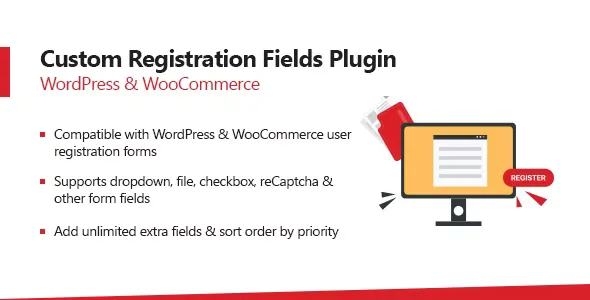
WooCommerce Custom Registration Fields Plugin
23/09/2024
Plugins

Flexible Checkout Fields Pro
11/08/2026
Plugins

Bookly Files (Add-on)
13/07/2026
Plugins

WP Manga - Manga Custom Fields
02/07/2025
Plugins